
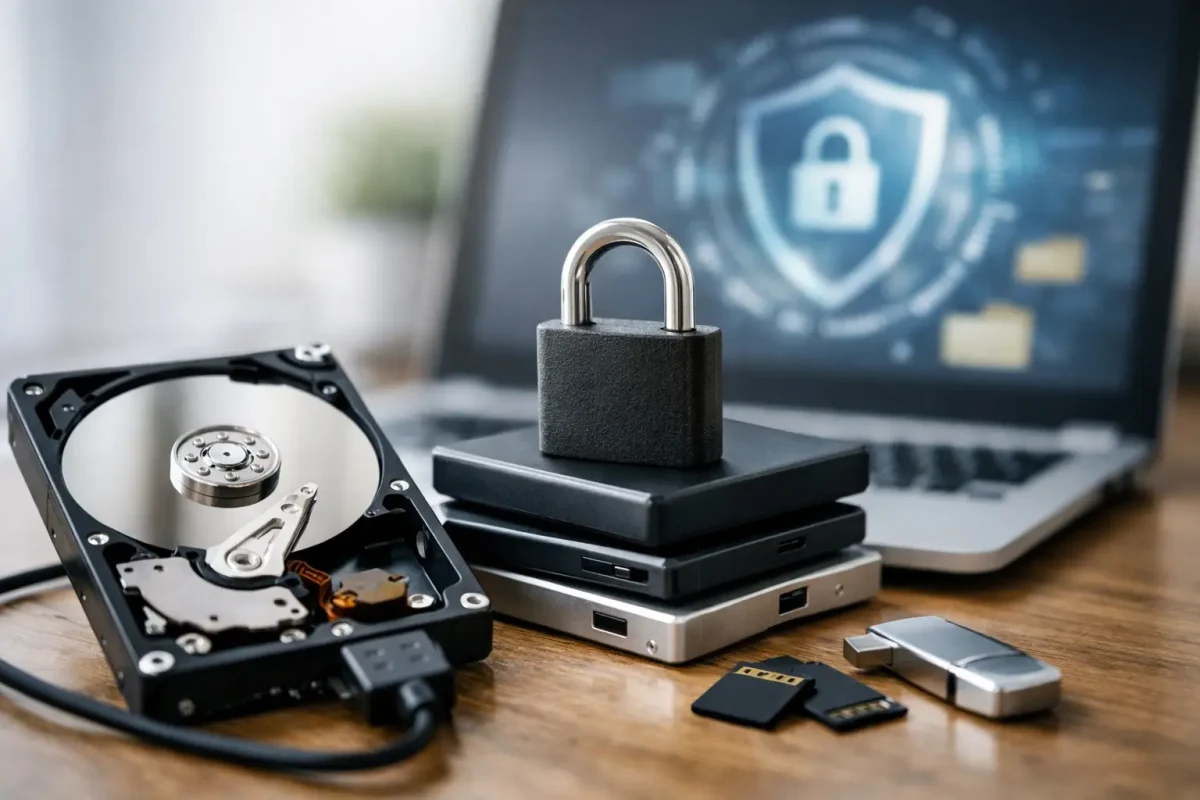
A missing folder, an unreadable drive, or a phone that will not start can turn a routine day into a serious operational problem. Data recovery is often possible, but the first decisions made after a loss can determine whether files remain recoverable or become permanently overwritten, encrypted, or physically damaged.
The goal is not simply to get files back. It is to protect the original device, preserve evidence of what happened, recover the most valuable information safely, and reduce the chance of another incident. Whether the affected data includes family photos, financial records, customer files, cryptocurrency wallet information, or business documents, a controlled response matters.
What Data Recovery Can Actually Recover
Data recovery is the process of locating, reconstructing, and safely extracting information that is deleted, inaccessible, corrupted, or trapped on a failing device. The correct method depends on the type of loss, the device involved, and whether the storage media is still functioning.
When a file is deleted, it may not disappear immediately. In many cases, the operating system simply marks its storage space as available for future use. Until new information overwrites that space, the file may be recoverable. That is why continuing to use a computer, phone, or external drive after a deletion can make a bad situation worse.
Corruption is different. A file may still exist but fail to open because its structure, permissions, encryption keys, or associated application data has been damaged. A device failure creates another set of challenges. A hard drive with mechanical damage, a water-damaged phone, or a failing solid-state drive requires careful handling and may need a secure recovery environment rather than standard software.
Successful recovery also depends on the data type. Documents, photos, videos, databases, emails, device backups, and business records can often be assessed through different forensic methods. Cryptocurrency-related cases deserve additional care. A recovered wallet file, seed phrase record, private-key backup, or exchange communication may be highly sensitive. It should be handled only through authorized, confidential processes.
The First Steps After Data Loss
The safest response is usually to pause before trying multiple apps, repair tools, or online tutorials. Well-intended actions can write new data to the affected storage, change timestamps, alter logs, or complicate a later investigation.
Take these steps as soon as practical:
- Stop using the affected device or drive, especially if deleted files are the concern.
- Do not install recovery software onto the same drive that holds the missing data.
- Record what happened, including error messages, recent updates, unusual activity, and the last time files were accessible.
- Preserve related information, such as backups, login notices, exchange emails, device serial numbers, and screenshots.
- If the device is making clicking sounds, overheating, repeatedly restarting, or showing physical damage, power it down and avoid repeated restart attempts.
For a business, the first step may also include isolating the affected endpoint from the network if ransomware, unauthorized access, or suspicious encryption is involved. Isolation can help limit spread, but it should be done with awareness of business systems and evidence preservation requirements. Deleting suspicious files or wiping a machine immediately may remove useful indicators of compromise.
Common Data Loss Scenarios and Their Trade-Offs
Deleted Files and Formatted Drives
Accidental deletion is among the more recoverable situations when addressed quickly. The same is often true of a drive that was formatted by mistake, depending on the format type and how much it has been used afterward. Recovery specialists may create a forensic image of the device before analysis, protecting the original media from unnecessary changes.
Consumer recovery software can help in simple cases, but it is not always the right choice. It may recover fragmented files without correct names or folder structures. It can also create risk if installed or operated incorrectly. If the lost information is irreplaceable, confidential, or potentially tied to fraud, a professional assessment is the safer starting point.
Corrupted Files, Operating Systems, and Backups
A file that will not open does not always need full media recovery. The issue may be a damaged file header, a failed synchronization process, an application problem, or missing encryption credentials. Similarly, a computer that will not boot may still contain intact data that can be acquired without forcing a system repair.
Backups should be checked carefully rather than assumed to be complete. Cloud folders can synchronize deletions. Local backups can be outdated or corrupted. A proper assessment compares available copies, identifies the most recent clean version, and verifies whether the recovered files can actually be opened and used.
Failed, Damaged, or Encrypted Devices
Physical failure calls for restraint. Repeatedly powering on a failing hard drive can worsen platter or head damage. Opening a drive outside a controlled environment can introduce contamination. Solid-state drives present different risks because their internal cleanup processes may permanently remove deleted data faster than traditional drives.
Encryption adds another layer. Encryption protects privacy, but recovery may depend on valid credentials, recovery keys, backups, or authorized access to an associated account. No responsible provider should promise to bypass lawful protections without clear client authorization and a legitimate basis for the work.
Ransomware and Unauthorized Access
When files are encrypted by ransomware or an account has been compromised, recovery becomes both a data and cybersecurity issue. Restoring a backup without understanding the intrusion can return systems to service while leaving the attacker’s access path open.
The priority is to contain the incident, preserve relevant evidence, identify the scope of affected systems, assess backup integrity, and establish a recovery plan. In some cases, data can be restored from clean backups or recovered copies. In others, forensic analysis is needed to determine whether data was copied, altered, or permanently damaged.
Why a Secure Recovery Process Matters
The data itself may be valuable, but the surrounding information can be just as sensitive. A phone can contain account tokens, location history, private communications, and financial records. A business laptop can hold customer information, contracts, credentials, and internal security documentation.
A professional data recovery process should begin with authorization and a clear case assessment. The specialist should identify the device, nature of the loss, likely recovery paths, security risks, and expected limitations before extensive work begins. Transparent reporting helps clients understand what was found, what was recovered, and what remains uncertain.
Secure handling also means limiting unnecessary access. Recovery copies should be protected, sensitive files should not be exposed to unrelated personnel, and recovered information should be returned through controlled channels. For cases involving suspected theft, romance scams, compromised crypto accounts, or disputed transactions, preserving original evidence can be critical for follow-up investigations.
Skyline Tech Support approaches recovery through authorized technical analysis, confidential handling, and non-destructive methods wherever possible. That approach is particularly valuable when a data-loss event overlaps with fraud, account compromise, or a broader security concern.
When to Call a Data Recovery Specialist
A specialist is warranted when the files are business-critical, legally sensitive, financially important, or personally irreplaceable. It is also the right decision when a device shows signs of physical failure, data may have been overwritten, ransomware is suspected, or basic recovery attempts have already failed.
You should seek professional help promptly if a phone or computer contains cryptocurrency wallet records, recovery phrases, private financial documents, customer data, or evidence related to an unauthorized transaction. Timing can affect both recovery chances and the ability to reconstruct what occurred.
Not every case has a perfect outcome. Overwritten data, severe physical destruction, missing encryption keys, and incomplete backups can limit what is possible. An ethical provider will explain those limits rather than guarantee results before assessing the device and the evidence.
Protect the Next Copy Before You Need It
Recovery is strongest when it is paired with better protection afterward. Keep multiple backups in separate locations, test that important backups can be restored, use strong account security, and maintain secure records for critical access information. For businesses, that also means defining recovery responsibilities before an incident and reviewing who can access sensitive systems.
If files have disappeared or a device is behaving unpredictably, do not rush into random fixes. Preserve the device, document the incident, and get a qualified assessment. A measured response can protect more than your data – it can protect your privacy, your accounts, and your ability to move forward with confidence.
