
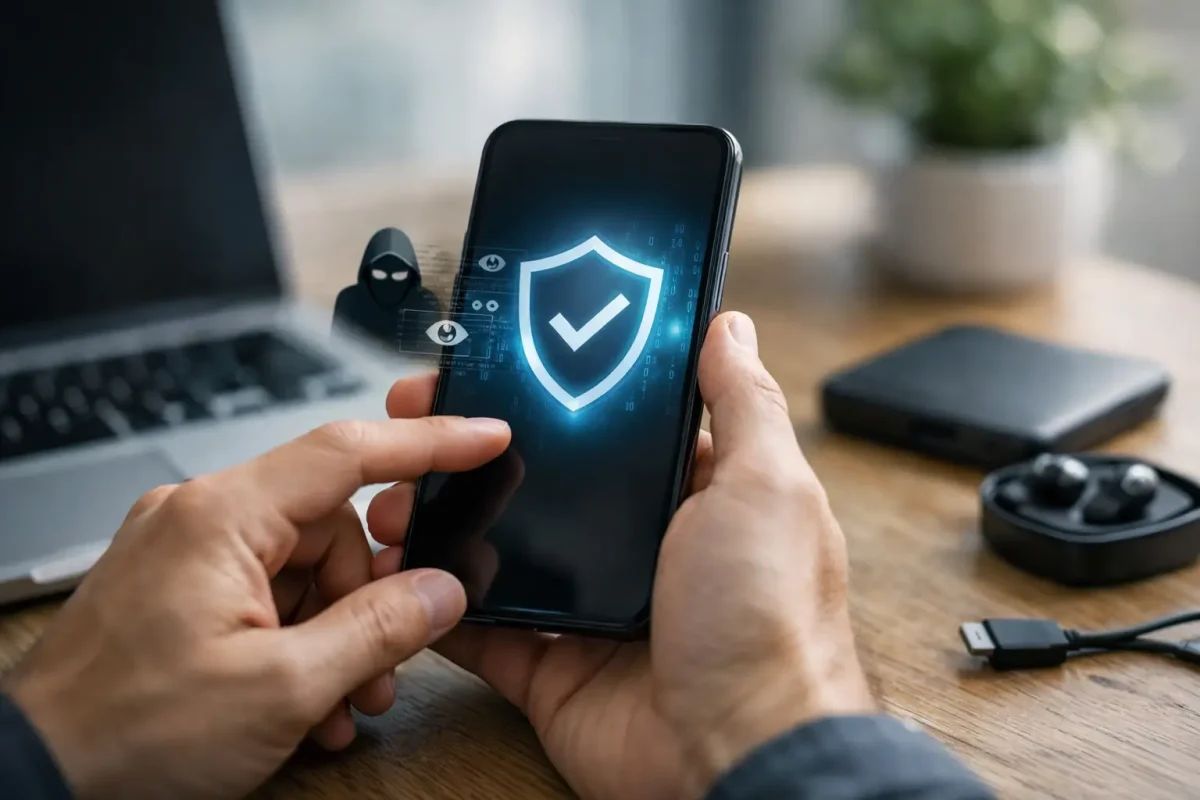
A phone that suddenly runs hot, drains its battery overnight, or sends unfamiliar login alerts deserves attention – especially if it holds financial apps, recovery codes, private conversations, or crypto wallet access. Knowing how to remove phone spyware starts with protecting your accounts and preserving potential evidence, not immediately deleting everything in panic.
Spyware can range from an intrusive monitoring app installed by someone with physical access to a more sophisticated compromise tied to stolen credentials or device management settings. The correct response depends on what is actually present, which is why a careful, authorized process is safer than relying on a single cleanup app.
First, contain the risk without destroying evidence
If you believe your phone is being monitored, avoid using it for banking, exchange logins, password resets, or wallet transactions until you have assessed the situation. Use a different, trusted device for urgent account changes. If you own cryptocurrency, move through your exchange and wallet security procedures from that clean device, beginning with email security and account access.
Take dated screenshots or photos of suspicious pop-ups, unknown apps, unusual permissions, battery usage, data usage, and unfamiliar devices signed into your accounts. Note when the behavior began and whether anyone had unlocked access to the phone. This record can help distinguish spyware from a failing battery, a buggy app, or a legitimate mobile-device-management tool.
Do not confront a suspected person through the affected phone. If personal safety is a concern, contact local emergency or victim-support resources from a safe device. Technical cleanup should never create a physical safety risk.
Signs that may point to phone spyware
No single symptom proves that spyware is installed. Battery drain, slow performance, heat, and high data use are common on older phones and after operating system updates. The concern rises when several signs occur together, particularly after someone else had physical access to the device.
Watch for unknown apps that have accessibility, device administrator, microphone, camera, location, notification, or screen-recording permissions. Repeated password-reset messages, texts you did not send, unexplained account sessions, or changes to security settings can also indicate a wider account compromise rather than spyware alone.
On an iPhone, unfamiliar configuration profiles, VPN configurations, certificates, or device-management enrollment deserve review. On Android, unknown applications installed outside the official app store, unusual accessibility services, and apps with administrator privileges are higher-priority findings. A legitimate employer, school, or family plan may use management software, so confirm before removing anything that you are authorized to change.
How to remove phone spyware safely
Update the operating system and review installed apps
Install the latest available operating system update and security patches. Updates close known vulnerabilities and can disrupt older malicious tools. Then review every installed application. Remove apps you do not recognize, apps you no longer use, and anything installed around the time the suspicious behavior started.
On Android, review app permissions, accessibility settings, device administrator apps, notification access, and apps allowed to install unknown software. Run the built-in security scan available through your device’s app store security tools. If an app cannot be removed normally, do not keep trying random workarounds that could alter evidence or leave the device unstable.
On iPhone, review installed apps as well as VPN and device-management settings. Look for profiles or management entries you did not approve. Consumer antivirus apps have limited ability to scan iOS in the way they scan Android, so an iPhone cleanup often relies more on updating iOS, reviewing profiles and account security, and resetting the device when justified.
Secure accounts from a separate, trusted device
Removing an app does not automatically secure the accounts it may have observed. From a clean computer or phone, change the password for your primary email account first. Email is usually the recovery path for exchanges, banking apps, social platforms, cloud storage, and phone-carrier accounts.
Use unique, long passwords and enable multi-factor authentication through an authenticator app or hardware security key where available. Review account recovery email addresses, phone numbers, active sessions, connected devices, forwarding rules, and unfamiliar third-party app access. Sign out of sessions you do not recognize.
For crypto holders, do not enter a seed phrase into a phone or website while investigating. If a seed phrase, private key, wallet password, or exchange credentials may have been exposed, create a security plan from a verified clean environment. Depending on the wallet type and exposure, that may mean transferring assets to a newly created wallet with securely stored recovery information. Blockchain transactions cannot be reversed simply because spyware is later removed, so speed and verification matter.
Check the SIM card and carrier account
Spyware is not the only way someone can intercept access. A compromised carrier account can enable SIM swap attempts, number port-outs, or changes to voicemail and account recovery. Contact your carrier using a verified support channel and ask whether there have been recent SIM, eSIM, port-out, or account-profile changes.
Set a carrier account PIN and, if offered, add port-out protection. This step is especially valuable when your phone number is used to receive one-time login codes. Moving critical accounts away from text-message-based authentication provides stronger protection over time.
Use a factory reset when confidence matters most
A factory reset is often the most reliable consumer-level option when spyware is strongly suspected, the device has been rooted or jailbroken, unknown management controls remain, or you cannot verify that every suspicious setting has been removed. Before resetting, preserve only the data you truly need, such as photos, contacts, and documents.
Be selective with backups. Restoring every app, setting, and full device backup can potentially reintroduce the problem or recreate the conditions that allowed it. After the reset, update the phone before signing in, reinstall apps manually from trusted stores, and restore personal files carefully. Avoid reinstalling apps that had suspicious permissions or unclear origins.
A reset can erase useful evidence, however. If the device may be relevant to fraud, harassment, a workplace incident, financial theft, or legal action, consider a professional assessment before wiping it. The right approach depends on whether your main priority is immediate privacy, recovery of funds, or documentation of what occurred.
When professional phone spyware removal is the safer choice
Professional assistance is appropriate when you see evidence of account takeover, unauthorized crypto transfers, stalking, threats, repeated reinfection, or suspicious device-management controls. It is also wise when a business phone contains client records, privileged communications, payment access, or regulated data.
A qualified, client-authorized investigation can document suspicious indicators before remediation, assess whether the compromise extends to cloud accounts or computers, and provide a clear remediation plan. That may include evidence preservation, secure device review, credential recovery, account hardening, and post-incident reporting. Skyline Tech Support approaches these cases with confidentiality, transparent findings, and authorization-based technical handling.
Be cautious of anyone who promises to remotely inspect another person’s phone without consent, guarantees impossible recovery outcomes, or asks for your seed phrase, passwords, or one-time verification codes. Legitimate support should explain what it can and cannot verify, protect your information, and keep you in control of account changes.
Protect the replacement or cleaned device
Once the device is clean, use a strong passcode rather than a simple four-digit PIN, keep automatic updates enabled, and install software only from trusted sources. Limit app permissions to what each app genuinely needs. Review connected devices and account sessions periodically, particularly after travel, a relationship change, employee turnover, or a suspected phishing attempt.
The most useful next step is a calm one: secure your primary email and financial access from a trusted device, preserve what you can, and choose a reset or authorized investigation based on the stakes of the incident. A phone can be replaced; your accounts, privacy, and evidence require more deliberate protection.
